Hybrid education model post-pandemic: why it matters now
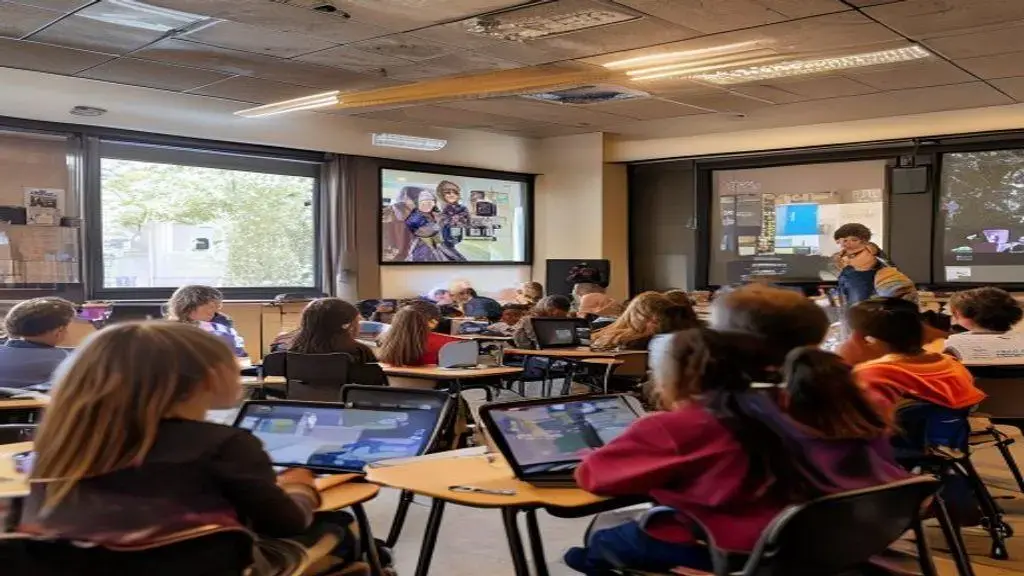
Hybrid education model post-pandemic combines scheduled in-person and remote learning with predictable routines, equitable device and connectivity supports, focused synchronous sessions, and flexible assessments so schools can sustain engagement, reduce barriers, and measure learning across mixed settings.
Hybrid education model post-pandemic is reshaping how schools teach. Want concrete ideas teachers can test next week? This piece brings practical setups, tech choices and common pitfalls grounded in real classrooms.
Designing effective hybrid schedules and formats
Hybrid education model post-pandemic demands clear schedules that match learning goals and family routines. Simple, predictable plans help students feel safe and ready to learn.
Choose a clear hybrid format
Pick one main structure and stick to it for a term. Common options are rotational cohorts, a flipped model, or concurrent teaching.
Communicate that format to families and students in plain language. When people know what to expect, attendance and focus improve.
Balance synchronous and asynchronous time
Decide which activities need live interaction and which work better asynchronously. Prioritize live time for discussion and feedback.
- Set predictable live days so students can plan home routines.
- Offer short, focused live sessions (20–35 minutes) to reduce screen fatigue.
- Create asynchronous tasks that mirror live goals with clear steps.
- Build weekly check-ins for struggling students to keep them on track.
Use small blocks of independent work between live sessions. Short, scaffolded tasks help students practice new skills without getting overwhelmed.
Schedule overlap time for teachers to update materials and review student work. That buffer keeps lessons fresh and responsive.
Design schedules for equity and flexibility
Rotate in-person days to balance access to school resources. Consider caregivers’ work hours and transit constraints when assigning cohorts.
Provide multiple windows for live office hours and recorded lessons for those who cannot join. Make technology loan options clear and easy to request.
Standardize routines like warm-ups, checks for understanding, and exit tickets so students experience consistent structure across formats.
Coordinate assessment days to avoid overload. Space major tasks and give clear rubrics so expectations remain fair whether students are remote or in class.
Encourage team planning so teachers can align pacing and share materials. Collaboration reduces duplicated effort and improves continuity.
Keep communication simple: weekly schedules, one-page agendas, and quick reminders. Predictability lowers stress and boosts participation.
Clear routines, well-chosen live periods, and equitable access are the core of effective hybrid schedules. Small, consistent changes often yield the biggest gains in engagement and learning.
Technology, tools and classroom infrastructure
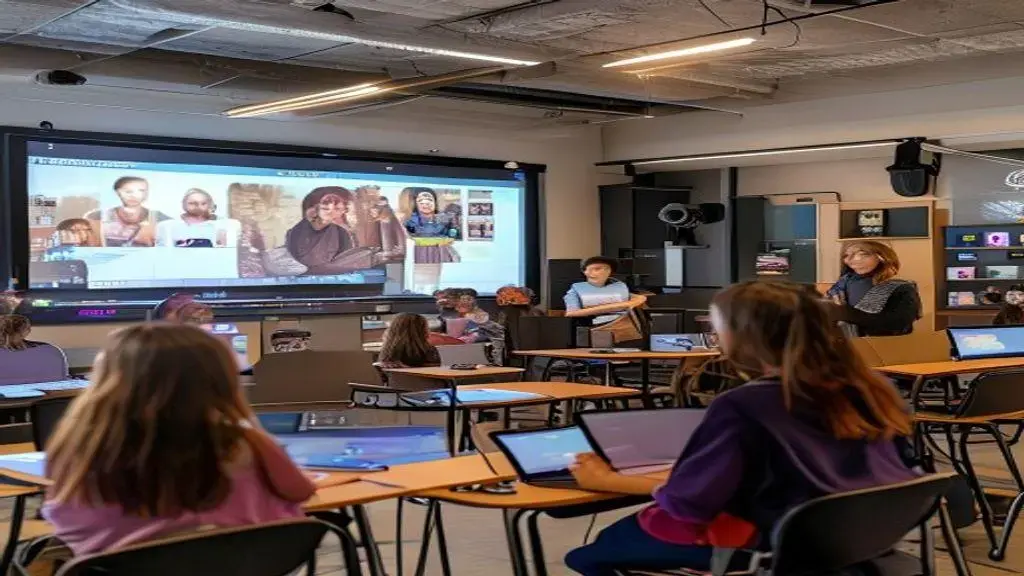
Hybrid education model post-pandemic relies on dependable tech and smart room setups so lessons run without constant hiccups. Clear, simple tools help teachers focus on teaching, not fixing devices.
Think first about access, then about features. Choose tools that match your daily routines and the skills students must build.
Essential classroom hardware
Start with reliable devices for students and teachers. Laptops or tablets that boot quickly reduce lost time.
Invest in a good camera and microphone for clear audio and video when some students join remotely. A bright, readable display helps everyone follow along.
Network, bandwidth and connectivity
Fast, stable internet is nonnegotiable for hybrid lessons. Test typical class loads to avoid surprises during live sessions.
- Prioritize wired connections for main teaching stations when possible.
- Place Wi‑Fi access points to cover common learning areas evenly.
- Keep a simple backup plan like mobile hotspots or offline lesson packets.
- Label devices and document basic troubleshooting steps for staff and families.
Choose classroom software that syncs with your learning goals. A clear learning management system (LMS) reduces friction for assignments, feedback and calendars.
Pick video tools that work on low bandwidth and offer captions. This keeps learning inclusive and cuts down on misunderstandings.
Tools for instruction and assessment
Use apps that let teachers share quick polls, exit tickets and quizzes during live sessions. Real‑time checks keep students engaged and inform next steps.
- Simple formative tools for quick checks (1–3 questions).
- Shared digital notebooks for practice and teacher comments.
- Auto‑graded quizzes for basic skills to save teacher time.
- Clear rubrics and templates so expectations stay fair across formats.
Provide teacher-facing tools for planning and collaboration. Shared drives, common lesson templates and a central place for resources lower prep time and keep pacing steady across classrooms.
Keep accessibility in mind: large font options, screen readers, captioning and easy device loan procedures. These small steps make hybrid learning workable for more students.
Train staff in one core set of tools rather than many niche apps. Regular, short trainings and quick reference sheets help teachers adopt tech without feeling overwhelmed.
Monitor and update: schedule quarterly checks of devices, licenses and network performance. Clear maintenance routines prevent last-minute disruptions.
Good tech choices, clear routines and simple support systems let hybrid classrooms run smoothly and keep learning the focus.
Teaching strategies and assessment for hybrid learning
Hybrid education model post-pandemic needs teaching moves that work both in class and online. Simple, repeatable strategies keep students engaged and help teachers see real learning.
This section lays out practical strategies and fair ways to assess students in mixed settings, with easy examples teachers can try tomorrow.
Active engagement techniques
Use short, focused tasks that invite every student to participate. Quick polls, cold calls, and visual tasks pull remote and in-person learners into the same moment.
Keep live segments brief and goal‑driven so attention stays high.
Routines and small groups
Routines make transitions smoother for everyone. Teach a clear warm-up, a small-group task, and a wrap-up every day.
- Assign clear roles in groups so each student contributes.
- Timebox activities (10–20 minutes) to keep pace steady.
- Mix remote and in-person students when possible to build community.
- Use simple checklists for tasks so expectations stay clear.
Design tasks that work in both modes. For example, a hands-on lab can have an at-home version or a step-by-step video for remote students.
Short practice bursts between live meetings help students build skills without long screen time.
Formative checks and feedback
Frequent, low‑stakes checks guide next lessons. Use exit tickets, quick quizzes, or a one-sentence summary to gauge understanding.
- Keep checks under three questions to respect time.
- Share immediate feedback in short comments or audio notes.
- Encourage peer feedback with clear prompts and models.
- Track patterns in an easy spreadsheet or the LMS for fast intervention.
Feedback should be specific and doable. Tell students one thing they did well and one next step.
Use rubrics with clear language so grading feels fair whether work is in class or online.
Summative and flexible assessment
Design assessments that show real skills: projects, presentations, or portfolios often work better than long tests in hybrid settings.
- Give flexible submission windows for students with tech or time barriers.
- Allow varied proof of learning: written work, short videos, or live demos.
- Use clear rubrics so students know success looks the same across formats.
- Include oral checks for students who struggle with written tasks.
Be mindful of equity: offer device loans, alternate times, and scaffolded directions so all students can show learning.
Use assessment data to plan small group lessons or targeted supports. Short cycles of teach-check-adjust help students stay on track.
Clear routines, short live goals, and fair, flexible assessments make hybrid learning manageable and meaningful for students and teachers alike.
Equity, access and student well-being considerations
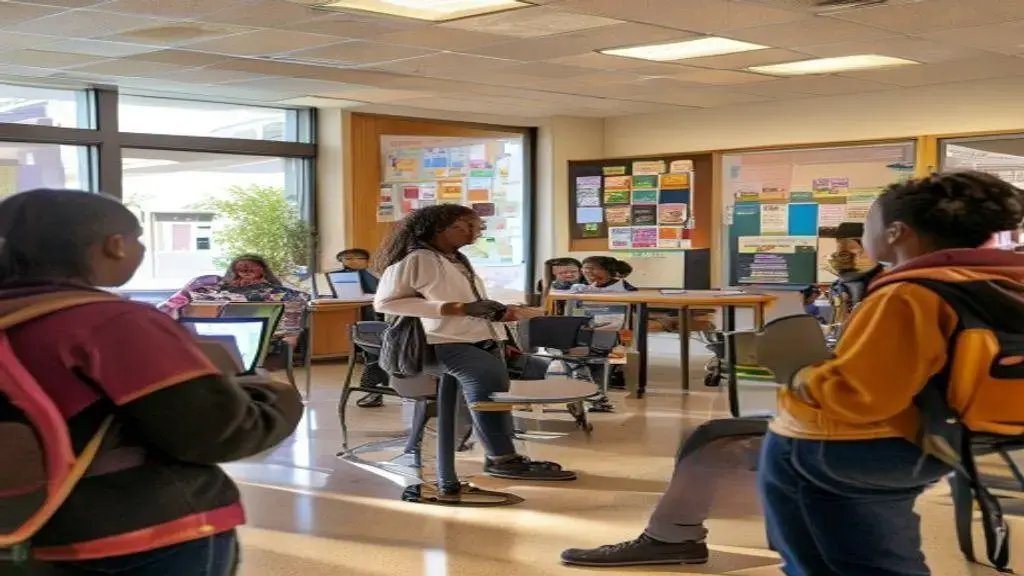
Hybrid education model post-pandemic should put equity and student well-being first so no one falls behind. Small, clear actions make hybrid learning fairer and calmer for families and staff.
Prioritize device access, stable connections, mental-health supports, and flexible policies that match real family needs.
Identify common access barriers
Start by listening to students and families. A brief survey or phone check can reveal who needs devices, internet, or a quiet learning space.
- Device gaps: who needs a laptop or tablet?
- Connectivity issues: who lacks reliable internet at home?
- Time and caregiving limits that affect participation.
- Language or accessibility needs for materials and communication.
Use simple data to plan. Group students by need and match supports to each group rather than treating all cases the same.
Design practical access solutions
Loaner devices and mobile hotspots help immediately. Keep a clear process so families can request help without extra hurdles.
Provide offline options: printed packets, USB drives, or recorded lessons students can view later. That reduces stress when tech fails.
Create multilingual guides and short how-to videos for common tasks like joining live sessions or submitting work. Clear instructions cut confusion.
Support student well-being every day
Build brief social-emotional checks into routines. A one-minute mood check or quick journal helps teachers spot concerns early.
- Regular teacher check-ins for students who seem disconnected.
- Access to counselors via scheduled times or drop-in virtual rooms.
- Short lessons that teach coping skills and digital wellness.
- Peer support groups to reduce isolation for remote learners.
Train staff to notice signs of stress or fatigue and to refer students to supports. Simple scripts and referral steps make action fast and consistent.
Coordinate with community partners for extra supports like food, tutoring, or internet subsidies. Shared resources stretch school capacity and reach families where they are.
Track progress with a few key indicators: participation, assignment completion, and well-being check results. Use data to adjust supports quickly.
Centering equity, clear access plans, and steady well-being supports helps hybrid models work for all students. Small systems and consistent communication reduce barriers and make learning steadier for everyone.
The hybrid education model post-pandemic works best when schools focus on clear routines, fair access, solid tech, and flexible assessments. Small, steady steps—like predictable schedules, device loans, simple tools, and daily well-being checks—help students learn and feel supported.
Write in English (US)
FAQ – Hybrid education model post-pandemic
How can families get devices or internet for hybrid learning?
Schools can offer loaner laptops and mobile hotspots. Contact the school office or tech coordinator for a simple request form and pickup plan.
What schedule works best for students in a hybrid model?
Predictable weekly blocks with set live days and async work reduce stress. Short live sessions and clear weekly agendas help students plan.
How do teachers assess students fairly across remote and in-person settings?
Use flexible assessments like projects, portfolios, and short presentations with clear rubrics. Allow multiple submission formats and give scaffolds for students who need them.
What supports help student well-being in hybrid programs?
Daily quick check-ins, access to counselors, short SEL lessons, and community resource referrals help. Regular outreach to families catches issues early.